
The Trail of Influence Memory, Feedback, & the Echoes of Collapse
**part 5 of 7 **
Introduction: Every Conversation Leaves a Trail
Every time you **prompt **an AI, you leave a mark.
Sometimes, that memory helps with building context, deepening your results, and making each reply more relevant. Other times, it can pull your answers in the wrong direction even dragging old ideas or errors into new conversations.
Think of each piece of memory like a planet in space: Some have helpful gravity, guiding your prompt toward the answer you want. Others can act like traps, pulling you off course.
How AI Memory Works
AI “remembers” in a few ways:
Session Memory: The last things you said in the current conversation. Example: If you ask about healthy recipes, then say “make it spicier,” the AI still remembers you wanted something healthy.
User Memory: Patterns or preferences the AI has learned about you over time (if the tool supports it).
Project Memory: Details or instructions saved for a specific goal, like writing a book or planning a project.
Pro Tip: Some AIs now have “long-term memory,” remembering key points from past chats. Use this to your advantage by summarizing your goals and lessons learned!
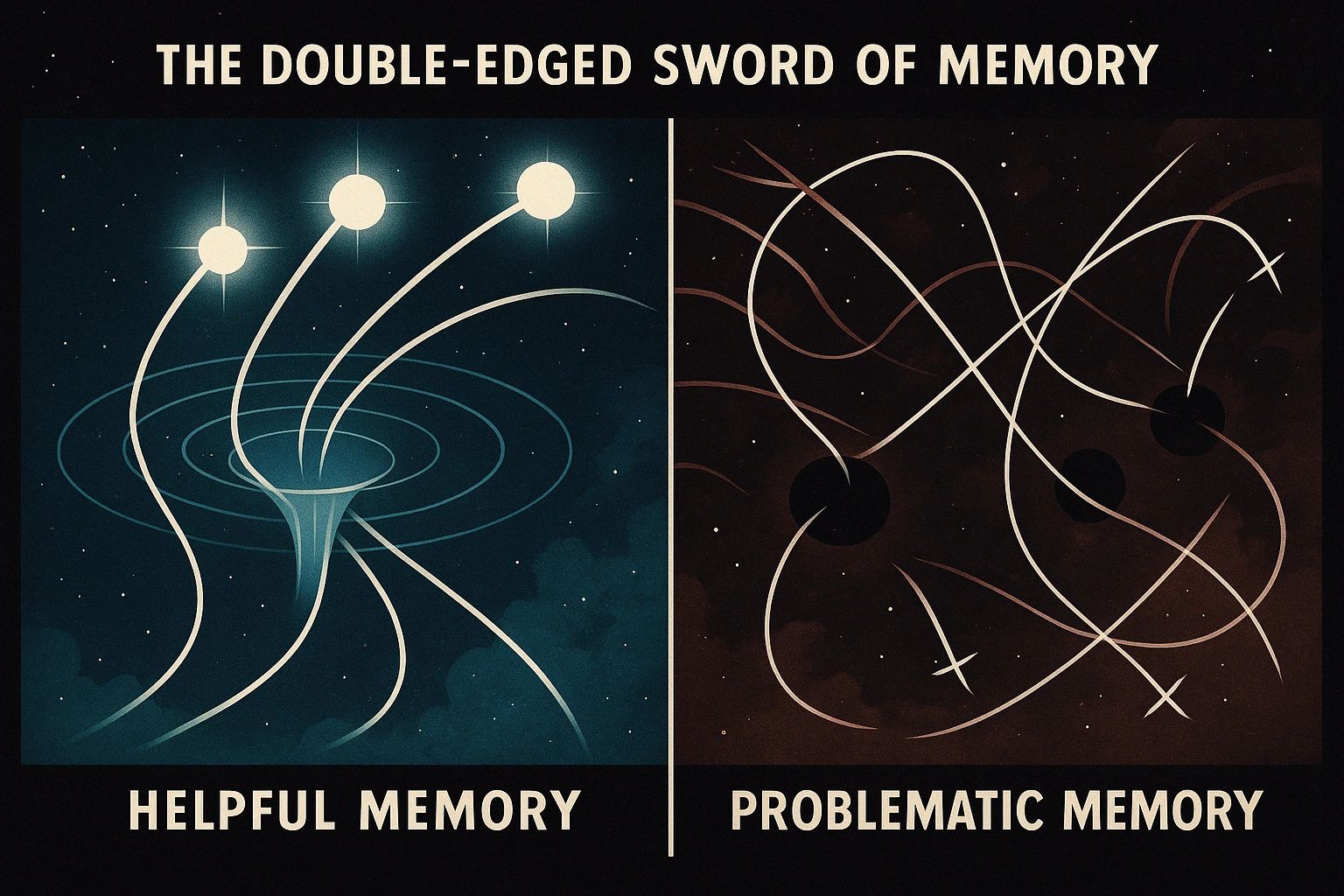
The Double-Edged Sword of Memory
Memory can help by:
Making AI “pick up where you left off”
Carrying over useful context (“last time you asked for vegan recipes, here’s another one…”)
Building momentum in a creative project
But memory can also cause problems:
Answers become repetitive, stuck on old ideas
Unwanted details “leak” into new questions
Old errors or misunderstandings keep resurfacing
Example: You’re writing a story and ask for a plot twist. Later, you want to switch genres, but the AI keeps bringing up that old plot twist, even though you’ve moved on. Or the story is not at all related.
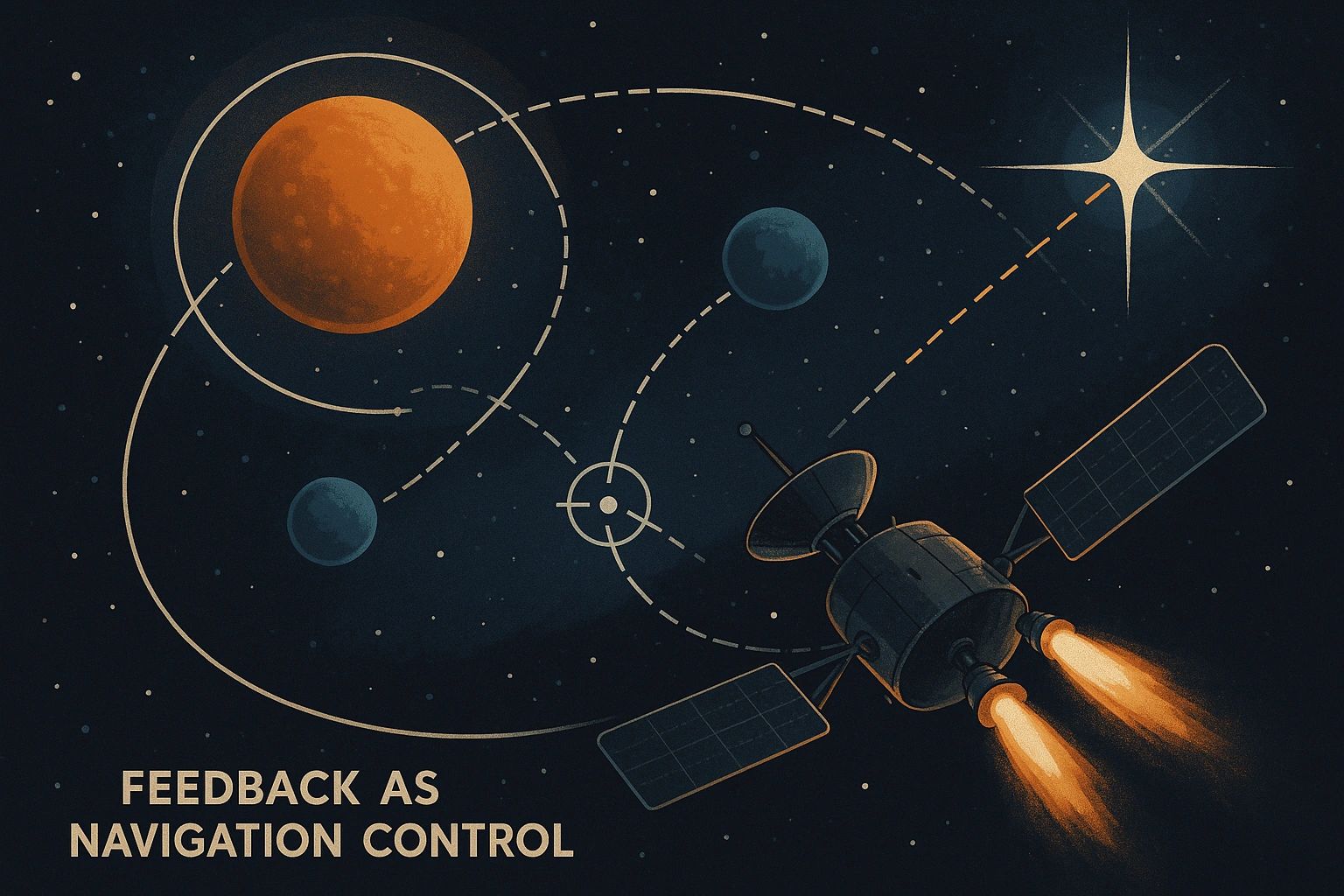
Feedback: Steering the Conversation
Your feedback when clarifying, correcting, or praising the AI sort of acts like a steering wheel or course correction.
Positive feedback strengthens the path you’re on
Corrections help realign and fix drift early
Restating goals keeps the AI focused on what matters now - Be mindful these can drift as context length increases
How to Use Memory to Your Advantage
For Everyday Users:
Be Clear: When you change your mind or your goal, say it directly. “Forget everything before. I want to try a new idea…”
Summarize Often: After a few back-and-forths, ask the AI to recap what it’s learned or what your goal is.
Don’t Be Afraid to Reset: If answers feel off, start a new chat with just the details you want to keep.
Pro Tip: If your AI lets you save notes, create a “cheat sheet” of core details or rules for ongoing projects. Start each new session by pasting in your key context! I often ask ai something like this - "Give me a complete and detailed summary that would allow a coworker who is working on "x" to pick up from where we are at." This normally results in all the key points and allows for a reset where i can shape our adjusted direction and remove contaminations or decoherence.
Real-World Example: Book Writing
Standard User experience: You and your AI have been working on a novel. After 30 messages, you realize the main character’s backstory has gotten tangled. Solution: Ask the AI to summarize what it “thinks” the story is so far, then clarify or correct any drift.
Pro Tip: If your AI has long-term or project memory, create a running “story bible” (key facts, character arcs, themes) and update it as you go. Use it as your north star for every future prompt. If you find that your AI tool (most have this feature) will let you edit your last message, do not be afraid to edit your last message with details you think will guide the AI response in a more desired direction. This has saved me many times. Use the edit button - it works like an undo or rollback feature!

Dealing with Memory “Traps” (Old Stuff Pulling You Off Course)
Notice if answers feel repetitive, or stuck in old patterns.
Say: “Let’s drop all past instructions. Here’s my new direction…”
Start fresh if things get weird or off-topic. It’s not a failure - it’s just course adjustments!
Takeaways
Every prompt adds to the conversation’s “gravity”—helpful or not.
Use clear feedback and intentional resets to keep things on track.
Memory can be your best ally… or your biggest obstacle.
Learn to spot when it’s time to clarify, reset, or start anew.
Master this, and your AI relationships become strategic assets that compound value over time
Pro Tip: Advanced users can treat every prompt as a “mission map” deliberately mapping the memory landscape, using past lessons for “gravitational assists,” and avoiding old mistakes by actively pruning context.

Up Next...
In Part 6, we’ll look at how to reset and restore clarity—deliberately “re-cohering” the conversation when it gets off track.
“The best AI conversations don’t just go long—they stay sharp. Learn to guide, reset, and use memory like a pro.”
Series: Quantum-Inspired AI Dynamics